i just can't download yet.
Hi! Thanks for trying Traces. The Windows installer isn’t code-signed yet, so Windows and some browsers are cautious with it. Here’s how to get it running:
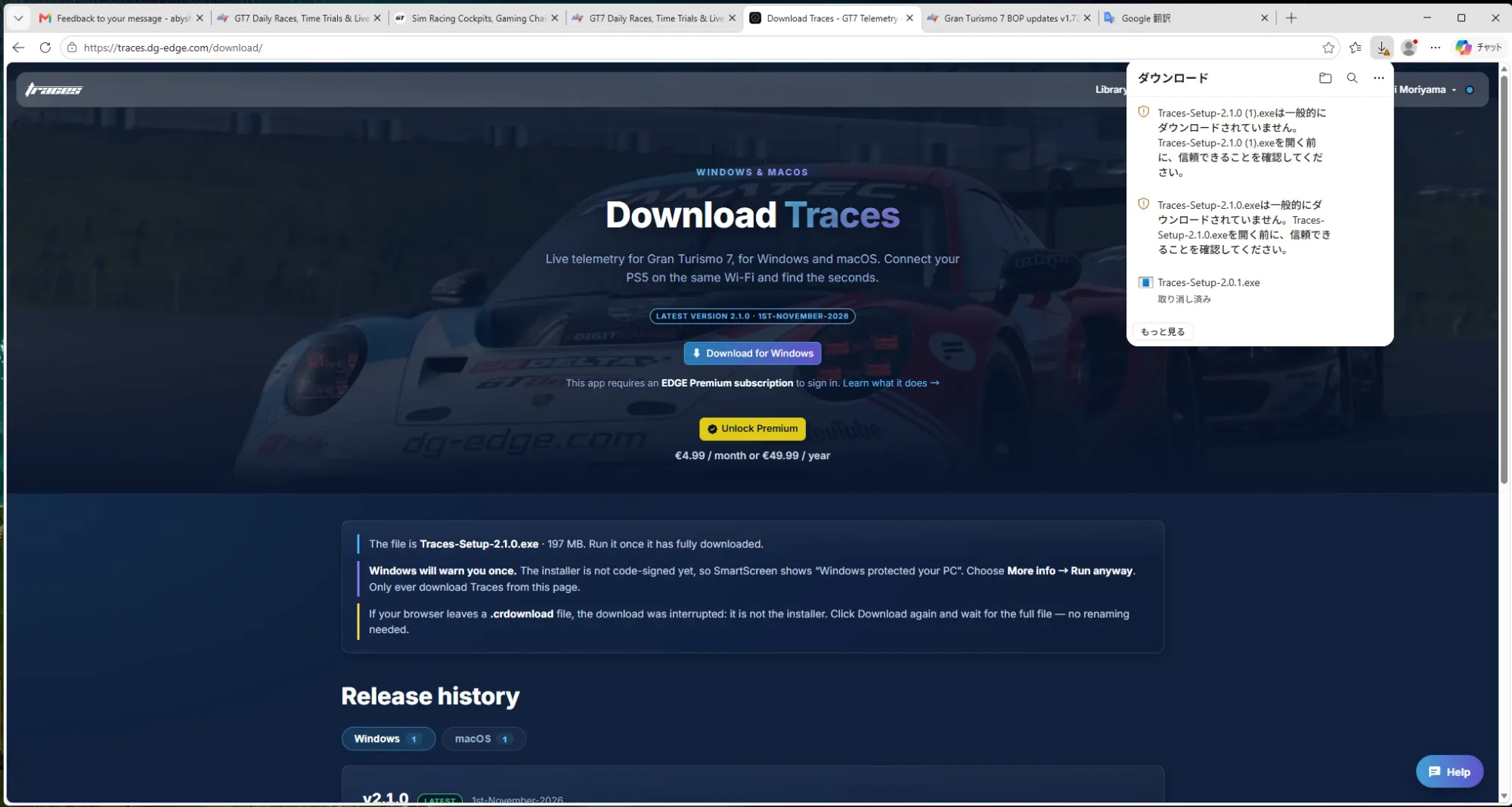
Check the browser’s downloads list (Ctrl+J). Chrome or Edge may have held the file back with a message like “isn’t commonly downloaded” or “couldn’t be verified”. Click the three dots next to it and choose Keep, then Keep anyway.
Make sure the whole file arrived. The installer is called Traces-Setup-2.0.1.exe and is about 195 MB. If you only see a file ending in .crdownload, the download was cut off and that file isn’t the installer. Download it again from traces.dg-edge.com/download and wait for it to finish. No renaming needed.
When you open it, Windows may show a blue “Windows protected your PC” window. Click More info, then Run anyway.
If the file disappears after downloading, your antivirus may have quarantined it. Check its quarantine or protection history, restore the file, and allow it.
Traces runs on Windows and macOS. If you’re on a Mac, download the macOS version from the same page instead of the .exe.
If it still won’t work, send me a screenshot of what you see and I’ll help you from there.
-----------------------
Hi! I tried to download the .exe file to install Trace, but my computer won't accept it—it doesn't even seem to recognize the file after the download. What should I do?